
Locations are unclear
Teams know stock exists somewhere, but not whether it is on site, in transit, in maintenance, damaged, lost, or ready to redeploy.
Location Visibility
Track quantities across yard, site, delivery, return, transfer, maintenance, damaged, lost, and scrap states so teams work from live location data.
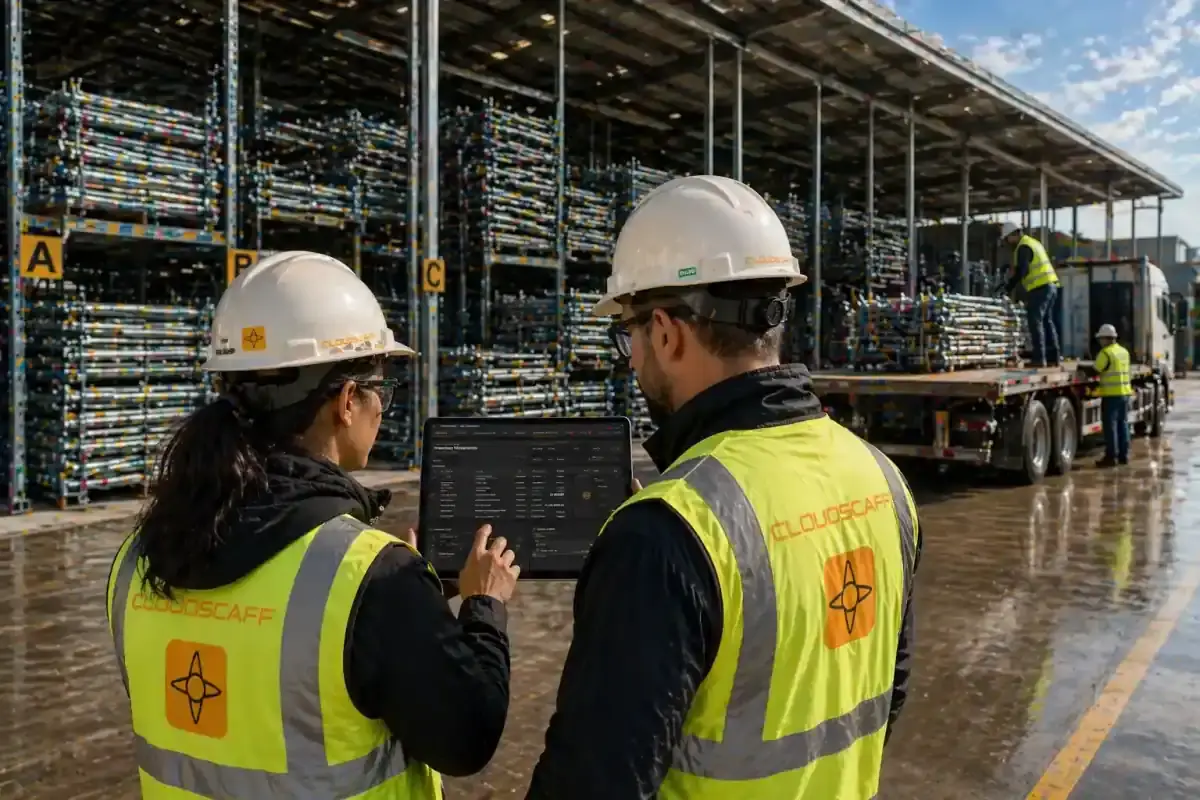
Location and status visibility across every operational holding point
The Problem
Materials move between yards, vehicles, sites, repair areas, and return piles all day. Without a live tracking layer, teams lose visibility as soon as stock leaves the obvious place.
Teams know stock exists somewhere, but not whether it is on site, in transit, in maintenance, damaged, lost, or ready to redeploy.
Deliveries, returns, and transfers create blind spots when they are not tracked as their own operational states.
Damaged, lost, and scrap stock can appear available unless those states are separated from usable inventory.
If you do not know where stock is, availability is only a guess.
The Solution
CloudScaff tracks each asset by location, quantity, and operational status so every team can see what is available, what is moving, and what needs attention.
See stock by yard, site, and holding point with current quantities tied to the latest movement records.
Track what is out for delivery, on return, or in transfer before it becomes a planning dispute.
Keep maintenance, damaged, lost, and scrap assets out of usable availability until they are resolved.
How It Works
Each operational action updates asset tracking, so location and status visibility follows the work instead of relying on manual updates later.
Capture where the asset is held, issued, delivered, returned, transferred, maintained, damaged, lost, or scrapped.
Tie location changes to deliveries, returns, transfers, repairs, and exception workflows for accountability.
The system separates usable, moving, maintenance, damaged, lost, and scrap stock automatically.
Use current tracking data to find materials, investigate issues, and plan redeployment.
Included Controls
Follow assets through location, delivery, return, transfer, maintenance, damage, loss, and scrap states so operational teams can act on current information.
Maintain clear visibility of asset locations and quantities across yards, sites, and operational holding points.
See what is currently on the way to site so teams do not rely on guesswork.
See what is currently moving between locations so teams do not rely on guesswork.
See what is currently coming back from site so teams do not rely on guesswork.
See what is currently undergoing maintenance or repair so teams do not rely on guesswork.
See what is currently marked as damaged so teams do not rely on guesswork.
See what is currently recorded as lost so teams can act on accurate stock status.
See what is currently recorded as scrap so unusable stock stays out of circulation.
Outcomes
When every asset has a current location and status, teams can plan with less chasing and fewer assumptions.
Locate materials by current site, yard, transfer state, or exception status.
Avoid issuing stock that is already moving, under repair, damaged, lost, or scrapped.
Know what is on return and what is still expected back from site.
Base planning on stock that is actually usable, not just counted somewhere.
FAQ
Asset Tracking FAQ
Track Assets Live
See where stock is, what state it is in, and whether it can be used right now.
Scaffold asset tracking helps a team answer where equipment is recorded and what condition it is in. To investigate a difference, review the deliveries, transfers, and returns that explain the balance rather than treating the latest quantity as the whole story.
Follow the transactions that move scaffold and formwork stock between locations.
Check location-based availability before arranging another movement.